
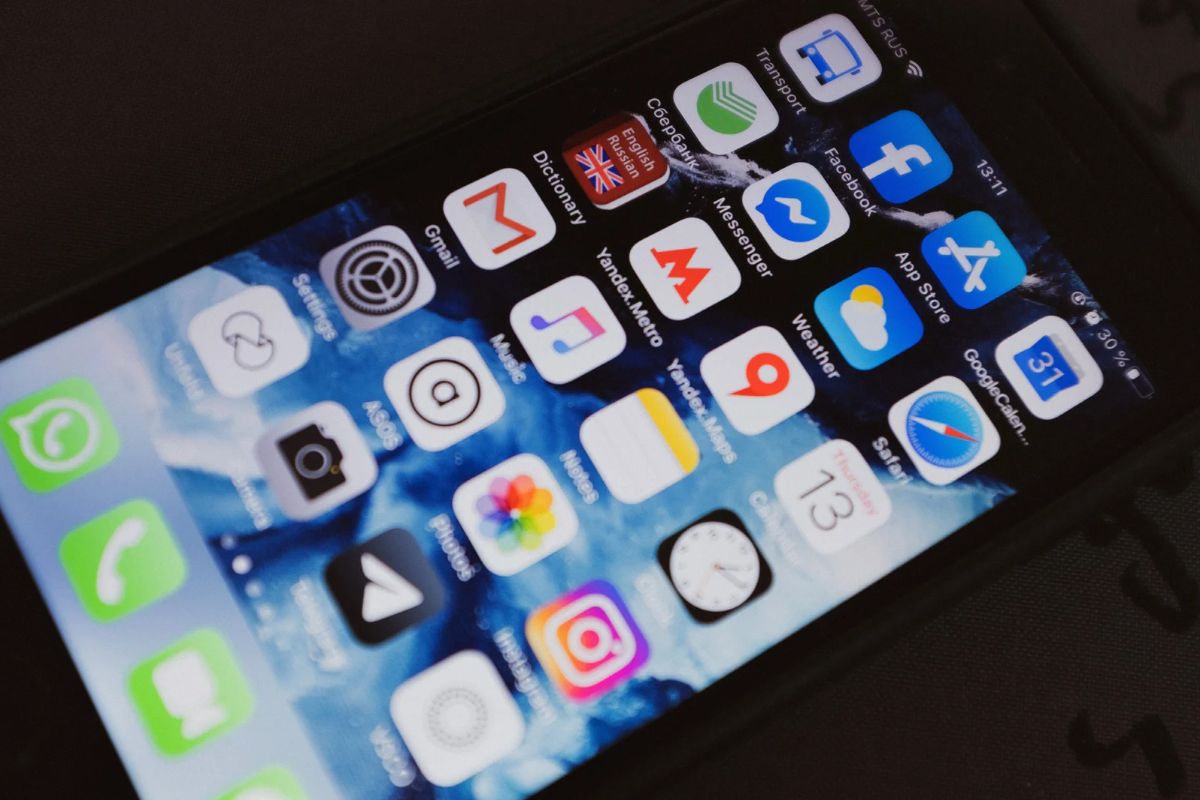
Plenty of Korea apps without a Korean phone number work fine, but each one works only up to a point, so check before you fly. Maps and translation work out of the box, and transit got a lot easier this year. Payment apps, banks and secondhand marketplaces, on the other hand, need a Korean number or an Alien Registration Card (ARC).
This guide sorts 23 apps that foreigners commonly use in Korea by one question: “Does it actually work for my situation?” It’s based on official announcements from the Seoul city government, the Korea Tourism Organization (KTO) and the services themselves, plus news reports. Everything was checked on October 10, 2026.
The Short Answer: 23 Apps in 4 Groups
| Group | Meaning | Key apps |
|---|---|---|
| A. Just install | No number, ARC or Korean card needed | Papago, Naver Map, KakaoMap, KakaoTalk |
| B. Works with a foreign number and card | Built for or friendly to foreigners | k.ride, Uber (UT), Mobile T-money, Climate Card short-term pass, WOWPASS, Korail+, LACHA |
| C. Needs a Korean number | Korean carrier identity check | Kakao T card registration, Kakao Pay, Naver Pay, T-money GO, Coupang, Karrot (Daangn) |
| D. Needs an ARC | Based on real-name verification | Toss, KakaoBank, Gov24 |
If you’re a short-term visitor choosing Korea apps without a Korean phone number, groups A and B are enough. You can leave C and D until you’ve settled in and received an ARC.
Group A: Just Install and Go
Translation: Papago
Papago is Naver’s translation app. According to a guide citing a Korea.net survey, travelers used it without an ARC. I couldn’t confirm login requirements or offline features from an official source, so open the app yourself before you leave.
Maps: Naver Map and KakaoMap
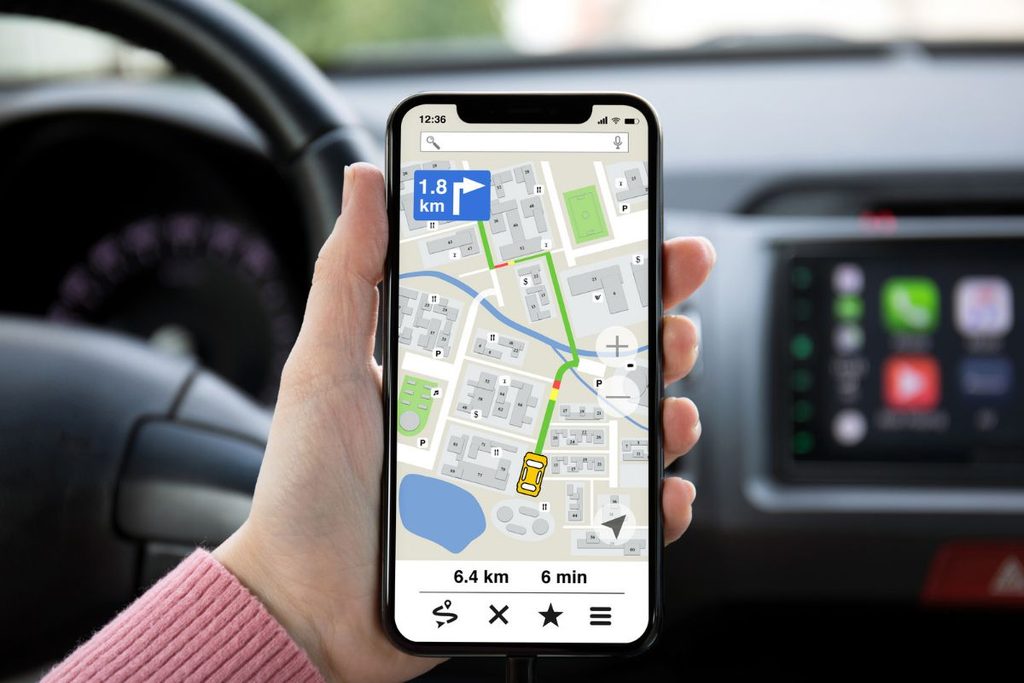
For directions in Korea, use Naver Map or KakaoMap. Both have English interfaces and give walking and public-transit directions. If you only pick one, make it Naver Map, with KakaoMap as the backup.
Google Maps is still awkward for directions in Korea. On February 27 this year, the Korean government gave Google conditional approval to export high-precision map data. But security checks and local servers come first, and no date has been set for fully working navigation.
New on Naver Map: Reserve With Your Passport
Since June 4 this year, Naver has offered passport verification. Short-term visitors without a Korean number can verify with a foreign passport and a smartphone. Once verified, you can use Naver Map’s reservation, food-ordering and payment features.
Naver says it will widen the services in phases but hasn’t published a schedule. It also isn’t confirmed whether Naver Pay is included.
KakaoTalk Works With a Foreign Number
KakaoTalk lets you sign up with SMS verification on an overseas number. It’s handy for reaching local contacts, hosts and guides. Some features, such as payments, open up only after identity verification.
Group B: Works With a Foreign Card
Seoul Subway Foreign Cards: Possible Since March
The biggest change is in transit. According to the Seoul city government’s official announcement, since March 17 you can pay with overseas-issued Visa and Mastercard credit and debit cards at 440 machines in 273 stations on Lines 1 to 8. You can buy single-journey tickets and Climate Card short-term passes (1, 2, 3, 5 and 7 days).
Paying with a foreign card adds a service fee of about 3.7% on average. The passes run from ₩5,000 for 1 day to ₩20,000 for 7 days, plus a ₩3,000 physical card. If you ride more than 3 or 4 times a day, the pass is the better deal. It doesn’t cover Ttareungi bikes or the Hangang river bus.
On an iPhone: Mobile T-money
Since March 18, Mobile T-money for iPhone has a “Foreigner” button. Tap it and you can top up with a foreign card without logging in, then add the transit card to Apple Wallet and tap in on subways and buses.
Watch the card type. JoongAng Daily reported that Mastercard, American Express and UnionPay work, but Visa did not at the time of reporting. That may have changed, so check before you go. For Android, topping up with Mastercard through the ‘KOREA TOUR CARD’ app has been described.
WOWPASS: A Prepaid Card Just for Foreign Visitors
WOWPASS is a prepaid card for foreigners visiting Korea. You get it from machines at Incheon Airport, Gimpo Airport Station, Seoul Station, Hongik Univ. Station, Myeongdong and more. There’s a ₩5,000 first-time registration fee, and no fee for currency exchange.
One thing to know: it works for offline card payments only. You can’t use it online or for easy-pay apps. It has a T-money function, but you can’t move the card balance into T-money, so you top that up separately with cash at a convenience store or subway machine.
Taxis: k.ride and Uber
The taxi apps you can join with a foreign number and card are k.ride and Uber (UT). k.ride lets you log in with a Google, Apple or Line account, and KTO featured it in its transit guide for foreign visitors released on May 29.
With Uber, you keep your usual app and payment methods. Reports say it has fewer drivers than Kakao T, so pickups can take longer.
Trains and Buses: Korail+, Klook and LACHA
You can book KTX trains on Korail+. On the English site, you check your booking with the email and password you used. There are reports of foreign-card payments failing or the app freezing, so have a computer and a second card ready.
LACHA is a new app that launched in January. It says you can book KTX, express buses, the airport railroad and taxis in one app and pay with a foreign card, with no Korean bank account. It doesn’t have many downloads yet, so keep a backup booking method for important trips. KTO’s guide also features Klook.
Group C: Apps That Need a Korean Number
Kakao T: Card Registration Is the Hurdle
Kakao T is Korea’s most-used taxi app. But according to a 2023 KTO announcement, registering a card required a Korean number. There are also reports of “invalid card” errors with foreign cards.
Some sources say an ARC and Korean card are required. So short-term visitors can try k.ride first, and use Kakao T’s “pay the driver directly” option, which lets you pay in the taxi with a foreign card or T-money.
Kakao Pay and Naver Pay
According to JoongAng Daily, these two don’t support short-term foreign visitor accounts. Kakao Pay can register only Korean-issued cards. Naver Pay is described as allowing direct payment only with UnionPay.
T-money GO, Coupang and Karrot
T-money GO is an intercity bus app, and its App Store listing is in Korean only. Use Klook or LACHA instead.
Coupang requires SMS verification with a Korean number to sign up. Without an ARC you can order standard delivery, but you can’t use Rocket Wow or Coupang Eats. Karrot (Daangn) needs identity verification through a Korean carrier, so short-term visitors will struggle to sign up.
Group D: Apps That Need an ARC
Toss and KakaoBank verify your identity with a Korean number in your own name and an ARC. Gov24 is built mainly around login methods that use a Korean number and ARC, and its application screens are Korean only. HiKorea, on the other hand, supports English, so start things like stay extensions there.
If you’re staying longer than a short trip and have received an ARC after 90 days or more in Korea, install these then.
One more app to be careful with: Travel Wallet is a service for Koreans. Its help page says overseas remittance is limited to Korean nationals aged 19 and over. Don’t think of it as a payment option for foreign visitors coming to Korea.
When an App Doesn’t Work: Backup Options
| When this happens | Try this |
|---|---|
| Kakao T won’t accept your card | k.ride, Uber, pay the driver directly |
| Mobile T-money doesn’t work | Climate Card short-term pass, convenience-store T-money, WOWPASS |
| Korail+ payment fails | Klook, LACHA, the computer site |
| Kakao Pay / Naver Pay unavailable | WOWPASS, offline foreign-card payment, cash |
| Google Maps directions are off | Naver Map, KakaoMap |
Carry a little cash, too. Some street stalls and small shops don’t take cards.
Before You Fly: The Order to Install Korea Apps Without a Korean Phone Number
- Install Papago, Naver Map and KakaoMap and set them to English
- Sign up for KakaoTalk with your overseas number
- Join k.ride and try registering your foreign card (Google or Apple login)
- On iPhone, check the “Foreigner” mode and supported card types in Mobile T-money
- For the Seoul subway, compare the Climate Card short-term pass with a regular T-money card (keep the 3.7% fee in mind)
- Prepare two cards for Korail+, plus a backup app (Klook or LACHA)
- Bring a little cash
- Try Naver Map passport verification in advance
The information here is current as of October 10, 2026. Korea’s payment and transit rules changed several times this year alone. Save this guide and check it once more the day before you leave.
The surest test is to open each app before your trip and go as far as the sign-up screen. We’ll keep updating this list of Korea apps without a Korean phone number, so come back to see what’s changed.