
Here’s the bottom line right away.
One of the most frustrating moments in Korea is standing in front of a menu written entirely in Korean. Or trying to communicate with a market vendor when neither of you shares a language. Or walking into a jjimjilbang and having no idea what the signs on the wall say.
Ray-Ban Meta smart glasses were made for exactly these moments. And as of July 2026, Meta officially added Korean to its real-time translation support — which makes this the right time to talk about what these glasses can actually do for foreign visitors in Korea.
The bottom line: they’re not perfect. But in specific situations, they’re faster and more natural than pulling out your phone. Here’s an honest breakdown of when they shine — and where you should lower your expectations.
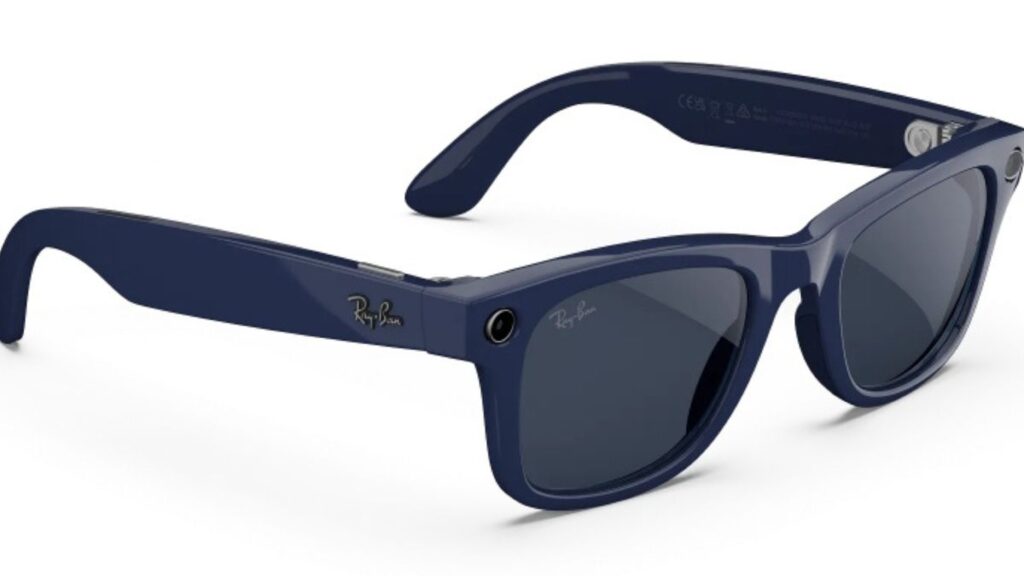
Why This Gadget Is Blowing Up Right Now
According to Google Trends, global search interest in Ray-Ban Meta has surged more than 5,000% year-over-year as of July 2026.
The trigger is clear. On July 6, 2026, Meta officially added Korean — along with 13 other languages including Japanese, Mandarin, Russian, Thai, and Hindi — to its real-time translation support. The total number of supported languages jumped from 6 to 20. (Source: Seoul Economic Daily, July 6, 2026)
For foreign visitors traveling in Korea, this isn’t just a software update. It means Ray-Ban Meta can now, for the first time, actually help you navigate one of the most linguistically challenging countries for non-Korean speakers.
5 Moments in Korea Where These Glasses Actually Help
1. Standing in Front of a Korean-Only Menu
Restaurants in Myeongdong or Itaewon often have English menus. But the best local spots — the ones packed with neighborhood regulars — almost never do.
With Ray-Ban Meta, a simple voice command translates what the glasses see in front of you, whether it’s a handwritten menu on the wall or a laminated card on the table. No opening a camera app, no tapping Google Lens, no holding your phone up at an awkward angle.
At places like Gwangjang Market, Noryangjin Fish Market, or Tongin Market, where you’re carrying bags and moving quickly, having both hands free makes a bigger difference than you’d expect.
2. Having a Quick Conversation with a Local
Explaining your destination to a taxi driver. Asking a market vendor about the price. Stopping someone on the street when you’re lost. In all of these moments, pulling out your phone breaks the flow of conversation completely.
Just say “Hey Meta, start live translation” and it begins immediately. When someone speaks Korean, you hear the English translation through the open-ear speakers built into the frames. What you say back appears as Korean text on the Meta AI app screen for them to read.
For short, spontaneous exchanges, this feels far more natural than a translation app. Especially when your hands are full of shopping bags, you’re holding an umbrella, or you’re keeping a hand free for a child.
3. Checking Labels at Convenience Stores and Pharmacies
Nearly every product label in Korean convenience stores is written in Korean. If you have food allergies, follow a vegetarian diet, or are looking for halal options, checking ingredients is non-negotiable — and doing it repeatedly on your phone gets old fast.
With the glasses on, you can look at a product and ask about its contents on the spot. This works at GS25, CU, 7-Eleven, and anywhere else. It’s useful for everything from convenience store triangle kimbap to pharmacy medicine packaging.
4. Reading Signs at Subway Stations and Historic Sites
Seoul’s major subway lines have English on most signs. But transfer corridor notices, bus stops in smaller cities, and the Korean-language explanation boards at places like Gyeongbokgung Palace or Bukchon Hanok Village are typically Korean only.
Being able to read signage while walking — without stopping to hold up your phone — keeps you moving naturally. Reading the Korean historical descriptions at a palace while looking directly at the building, rather than down at a screen, creates a level of engagement that audio guide tours can’t quite match.
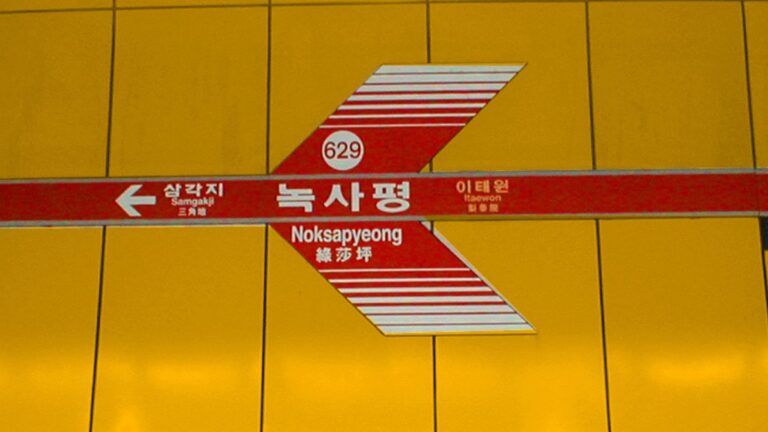
5. Understanding the Rules at a Jjimjilbang (Korean Sauna)
A jjimjilbang is one of the most uniquely Korean experiences available to visitors. But entry rules, dress code instructions, and gender-zone signage are almost always written in Korean only, which leaves many first-time foreign visitors genuinely confused.
Whether it’s the tattoo policy, how to use the shared lounge area, or what the different rooms are for, being able to translate signs in real time is genuinely useful. And since pulling out a phone in a sauna isn’t always practical, having it built into your glasses is a meaningful advantage.

Core Specs — Only What Matters for Travelers
| Feature | Spec | What It Means for You |
|---|---|---|
| Camera | 12MP ultra-wide, 3K video | First-person POV shots without stopping |
| Battery | Up to 8 hours | Covers a full day of sightseeing |
| Charging Case | Up to 48 additional hours | One case handles 3+ nights easily |
| Translation Languages | 20 total (Korean included) | As of July 2026, officially confirmed |
| Offline Translation | Available for select languages | Korean requires internet connection |
| Voice Activation | “Hey Meta” | Fully hands-free operation |
| App Required | Meta AI app | Available on iOS and Android |
| Prescription Lenses | Supported | Glasses wearers can order with prescriptions |
Ray-Ban Meta Gen 2 doubles the battery life of the original model and adds 3K video capture — both meaningful upgrades for travel use.
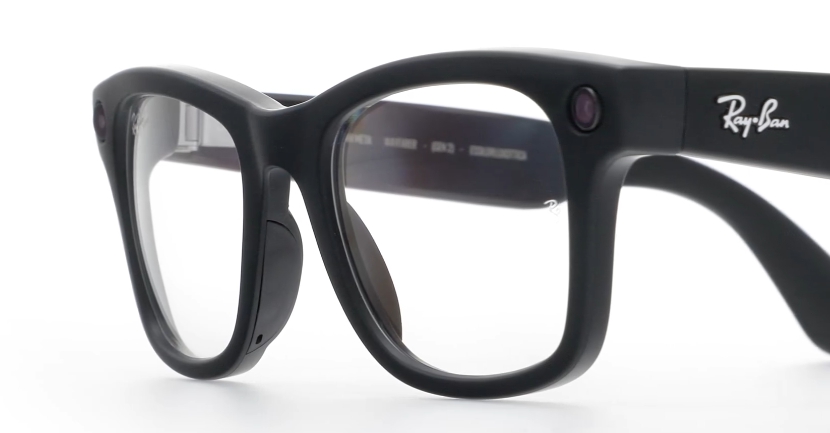
Be Honest with Yourself About These Limitations
Skip this section and you’ll be disappointed later.
① Korean Translation Requires an Internet Connection
According to Meta’s official Help Center, some languages — including Korean — currently require a Wi-Fi or network connection for live translation. The original six languages (English, Spanish, French, Italian, German, and Portuguese) can be used offline with a downloaded language pack, but Korean is not yet available offline.
In central Seoul, this isn’t a problem. But if you’re heading to mountain temples, remote island destinations, or rural areas with weak signal, this is a real limitation. A Korean SIM card or roaming data plan is essential.
② Translation Accuracy Isn’t Perfect
Reviewers have called the hands-free translation experience “surreal” and “impressively integrated” — but also note that Google Translate’s 130+ language support still handles idioms, dialects, and nuanced phrasing more accurately.
For short, clear sentences in everyday situations, it works well. But for anything where accuracy genuinely matters — medical appointments, legal discussions, contract-related conversations — use a dedicated translation app or professional interpreter alongside the glasses.
③ There Is No Map-Based Navigation (Gen 2)
Ray-Ban Meta Gen 2 has no display — it’s an audio-first device, and translations appear on your phone’s Meta AI app rather than in your field of vision. Turn-by-turn navigation projected in front of your eyes is a feature of the higher-end Ray-Ban Display model, not this one.
You can ask “Hey Meta, where is Gyeongbokgung Palace?” and get a spoken answer, but for actual map navigation, you’ll still need your smartphone running side-by-side. This is the single most common source of disappointment for new buyers.
Pre-Trip Setup Checklist
Set everything up before you leave. Trying to configure this on arrival wastes data and time.
- Download the Meta AI app (iOS or Android)
- Update glasses firmware to the latest version — translation features require it
- Set translation language in advance: You speak: English / They speak: Korean
- Download offline language packs for any supported languages you might use
- Pack the charging case — essential if you’re using translation and camera all day
- Prepare a Korean SIM or roaming data plan — Korean translation needs online access
- Confirm prescription lens option if needed — available at certified retail locations
Who Should Actually Buy This
Worth it for you if:
- You want to explore local restaurants without an English menu
- You’re traveling with a lot of luggage, a child, or just want your hands free
- You want to capture natural POV photos and video without stopping
- You’ve avoided certain local experiences in Korea because of the language barrier
Stick with your smartphone if:
- Map-based navigation is your top priority
- You need precise translation for business or professional situations
- You need full offline capability without a data connection
The positioning of this device is clear: it’s not a smartphone replacement. It’s a tool that reduces how often you need to reach for your phone. And in Korea, that moment comes dozens of times a day.
Where to Buy in Korea
Ray-Ban Meta and Oakley Meta are officially available in Korea. You can purchase through Meta’s official website, and as of late July 2026, through the official online stores of the three major Korean mobile carriers and select retail locations.
Frame styles and lens options (standard, polarized, photochromic, and prescription) vary in price, so visiting a physical store to try on different frames before purchasing is worth the trip.
If you’re planning a Korea trip, now is actually the best window to consider it. Korean language support just launched, which means accuracy and offline capability improvements are the natural next steps on Meta’s roadmap.
Standing in front of a Korean menu, looking at it, and simply understanding what it says — without reaching for your phone — changes how the whole day feels.
For more on getting the most out of Korea as a first-time visitor, check out the related posts below.